
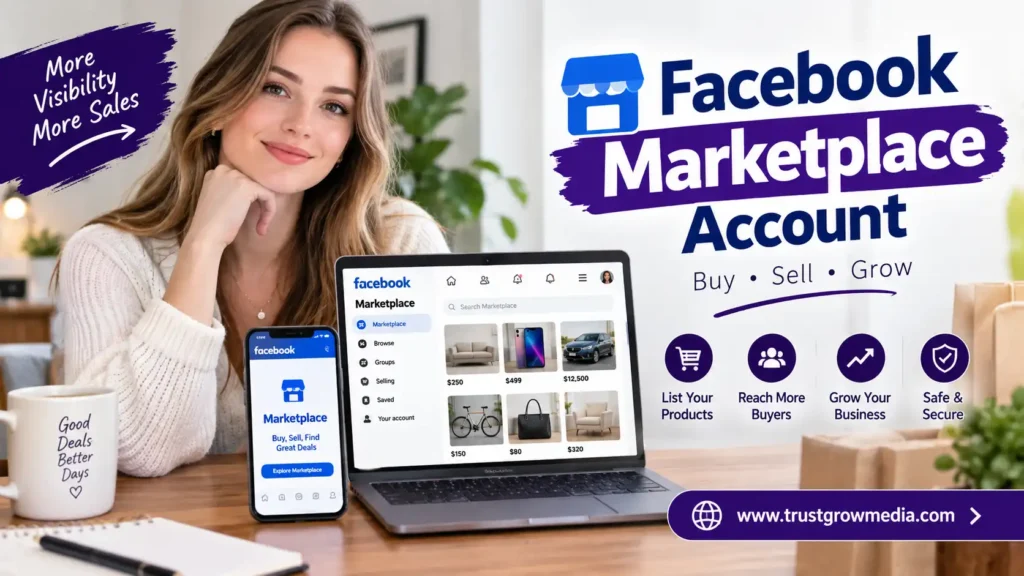
Ready to start buying or selling on Facebook Marketplace? Whether you’re clearing out old stuff or hunting for deals nearby, having an account is your first step. But it’s not just about signing up — how you set up and manage your account can make a big difference.
In this guide, I’ll share easy tips to help you create, optimize, and use your Facebook Marketplace account with confidence. Soon, you’ll be turning listings into sales and spotting bargains you didn’t know were there.
Setting Up Your Facebook Marketplace Account
Getting started is simple, but a well-prepared account makes buying and selling smoother. Here’s how to get ready:
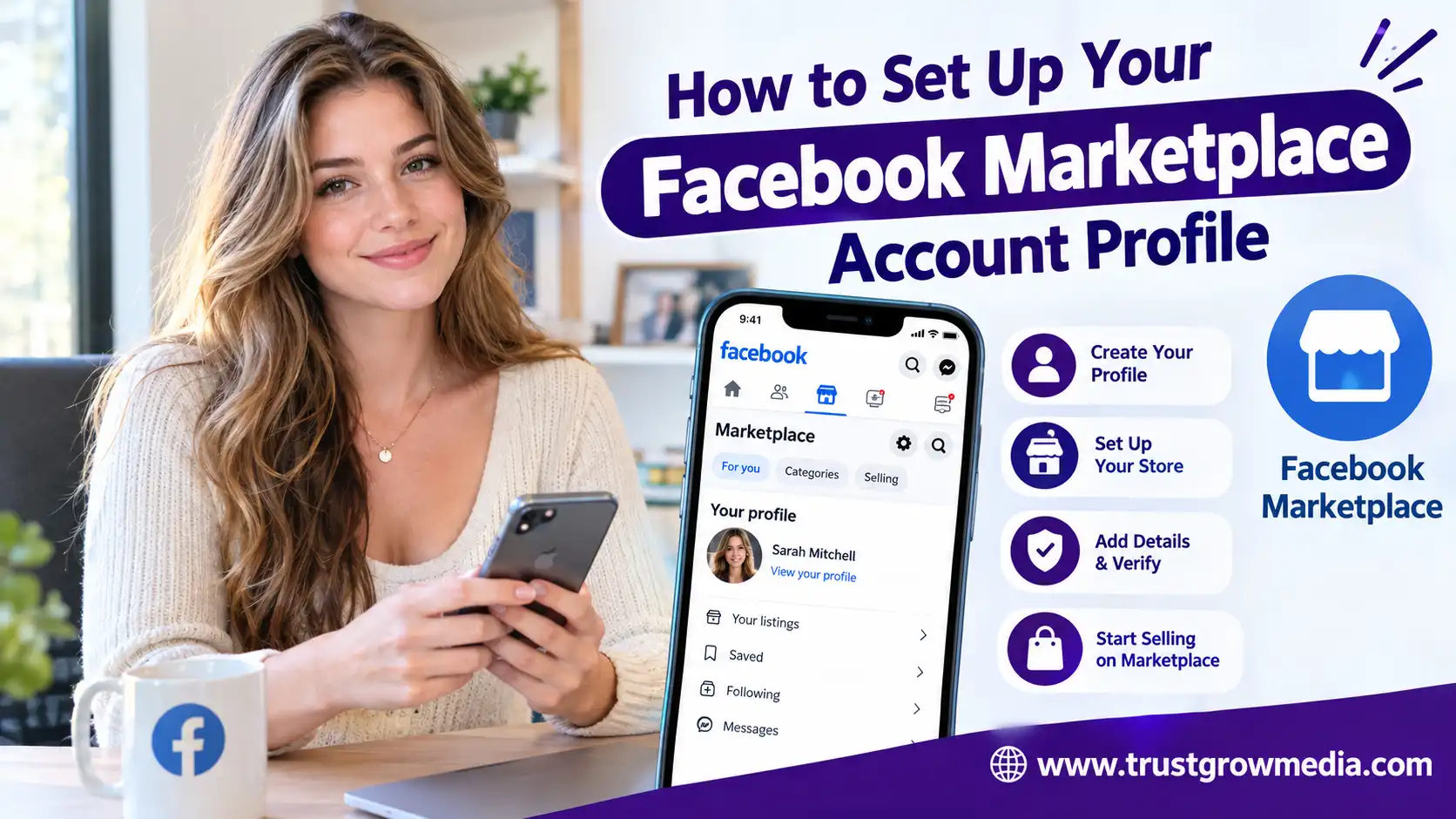
Create A Clear Business Profile
- Use your real name or a familiar business name.
- Add a clear profile picture that shows your brand or product.
- Fill in your location and contact info so buyers can reach you easily.
Why? Because a good profile builds trust and draws more interest.
Link Your Payment Methods
Connect payment options like credit cards, debit cards, or PayPal. Double-check your info to avoid problems. Fast and secure payments keep buyers happy and coming back.
Adjust Your Account Settings
- Turn on notifications so you never miss a message or order.
- Check your privacy settings to control what others see.
- Enable location services to show your items to local buyers.
These small tweaks make your account easier and safer to use.
Listing Products That Sell
Want your stuff to catch the eye? It’s all about clear descriptions, good photos, and fair prices.
Write Simple, Honest Descriptions
Keep it short and sweet. Include key details like size, color, and condition. Mention any flaws honestly — buyers appreciate that.
Use High-quality Photos
Bright, clear pictures from different angles work best. Show any special features or damage. Blurry or dark photos? Skip those.
Set Fair Prices
Check what similar items go for. Price too high? Buyers might scroll past. Too low? You might lose money. Find the sweet spot.
Make the Most of Facebook’s Features
Facebook offers tools to help you sell smarter.
Check Marketplace Insights
This tool shows which listings get the most views and saves. You can see where buyers are and spot trends. Use this info to tweak your listings and prices.

Promote Listings With Ads
If you want to reach more people, Facebook Ads are an option. You pick your budget and target audience. Ads show your photos, prices, and details to the right buyers.
Build Trust with Buyers
Trust is everything on Facebook Marketplace. Buyers want to feel safe before they buy.
Reply Quickly To Messages
Fast answers show you’re serious. Even a quick, polite reply keeps buyers interested. Turn on notifications and check messages often.
Gather Positive Reviews
After a sale, kindly ask buyers for feedback. Good reviews boost your reputation. If you get negative feedback, handle it calmly and fix issues fast.
Managing Orders and Shipping
Handle Payments Safely
- Use Facebook’s payment options to protect yourself.
- Avoid cash or bank transfers outside the platform.
- Confirm payments before you send items.
- Watch out for scams or suspicious activity.
Choose Reliable Shipping
- Pick fast, trackable shipping services.
- Send tracking info to buyers.
- Package items carefully to avoid damage.
- Think about shipping costs when pricing.
Avoiding Common Problems
Facebook Marketplace is great — but it has pitfalls.
Keep Your Account Safe From Suspension
Follow Facebook’s rules. Use real info and avoid banned items. Don’t spam or post too many listings at once. If you run into trouble, report it politely.
Watch Out For Scammers
Offers that look too good to be true often are. Meet in public places. Use secure payments. Never share personal details. Trust your gut — if something feels off, back away.
Track Your Sales and Improve
Want to know what’s working? Track views, clicks, and sales. Notice if buyers ask lots of questions or leave reviews. Quick replies and good ratings can boost sales.
If a product gets views but no sales, try changing the price, description, or photos. Experiment with posting times. Keep your listings fresh by updating them regularly.
Growing Your Marketplace Business
Add More Products
Expand your range with items that fit your niche. This draws in more buyers and keeps your store interesting.
Automate Routine Tasks
Use tools to manage messages, schedule posts, and track inventory. Automation saves time and reduces mistakes — giving you more time to focus on growing.
FAQs
Q: What is a Facebook Marketplace account?
A: It’s your Facebook profile linked to the Marketplace where you can buy and sell locally.
Q: How do I create one?
A: Just log into Facebook, click the Marketplace icon, and start listing or browsing.
Q: Can I use Marketplace without a personal account?
A: No. You need a Facebook profile to use Marketplace for safety and trust.
Q: Is it free to use?
A: Yes, most listings and browsing are free. Some categories, like vehicles, might have fees.
Q: How do I keep my account safe?
A: Use strong passwords, enable two-factor authentication, and communicate only through Facebook messages.
Q: What can I sell?
A: Most items like furniture, electronics, and clothes are allowed. Check Facebook’s rules for banned items.
Q: Why was my account disabled?
A: Usually for rule violations or suspicious activity. Contact Facebook support if you think it’s a mistake.
Final Thoughts
Setting up and using Facebook Marketplace doesn’t have to be complicated. Keep your profile honest and clear. Use good photos and fair prices. Stay active, respond quickly, and build trust with buyers.
It’s a handy way to buy and sell in your community — right from your phone or computer. Give it a try and see how it works for you.